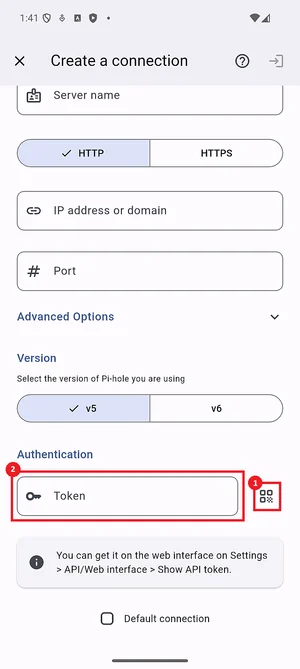
🔑 Getting the API token (v5 only)
This guide explains how to get the API token to authenticate the application with your Pi-hole server.
-
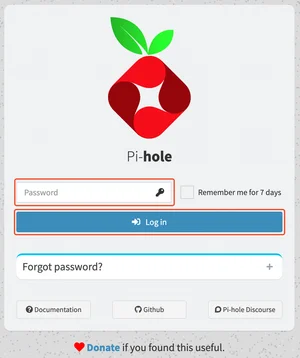
Go to the admin panel of your Pi-hole® server and log in.
-
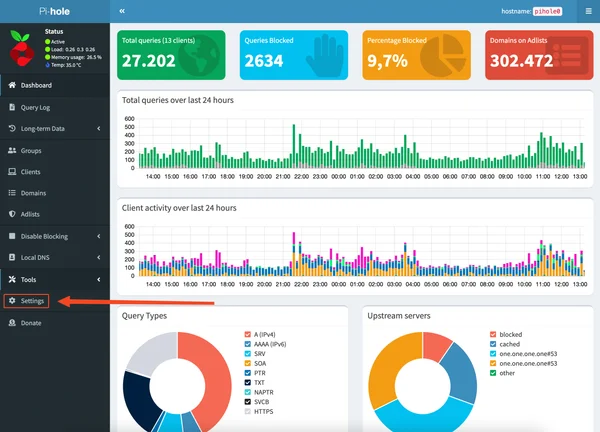
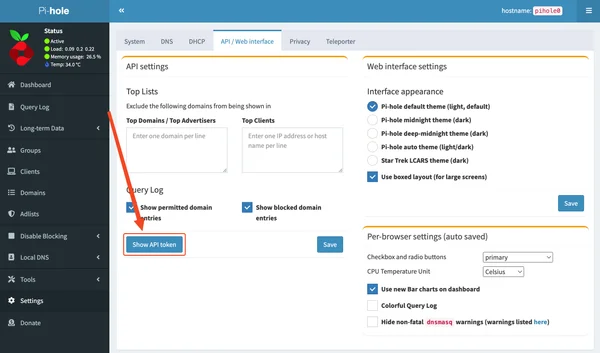
On the side menu, go to Settings.
-
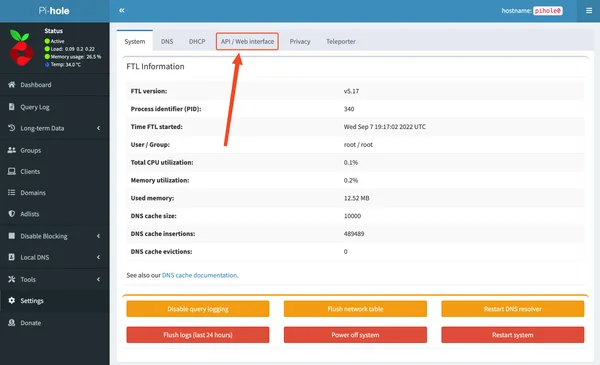
Go to API / Web interface.
-
Click on Show API token.
-
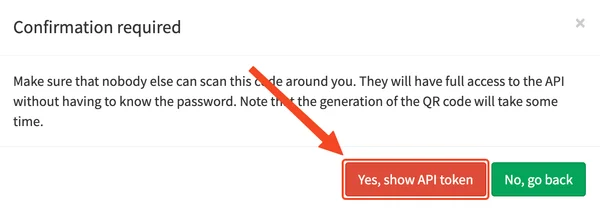
Click on Yes, show API token.
-
On the application, tap the QR code button (1) and then, scan the QR code, or copy the API token (text under the QR code) and paste it into the Token field (2).